 So Sorry I Lied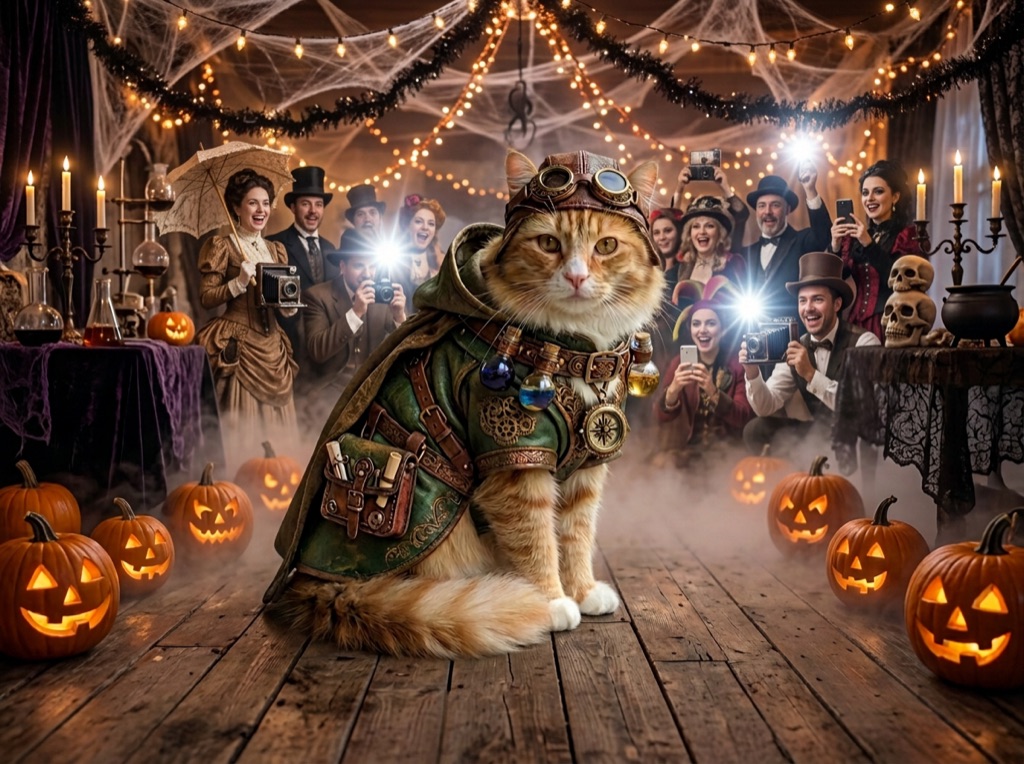
The short version
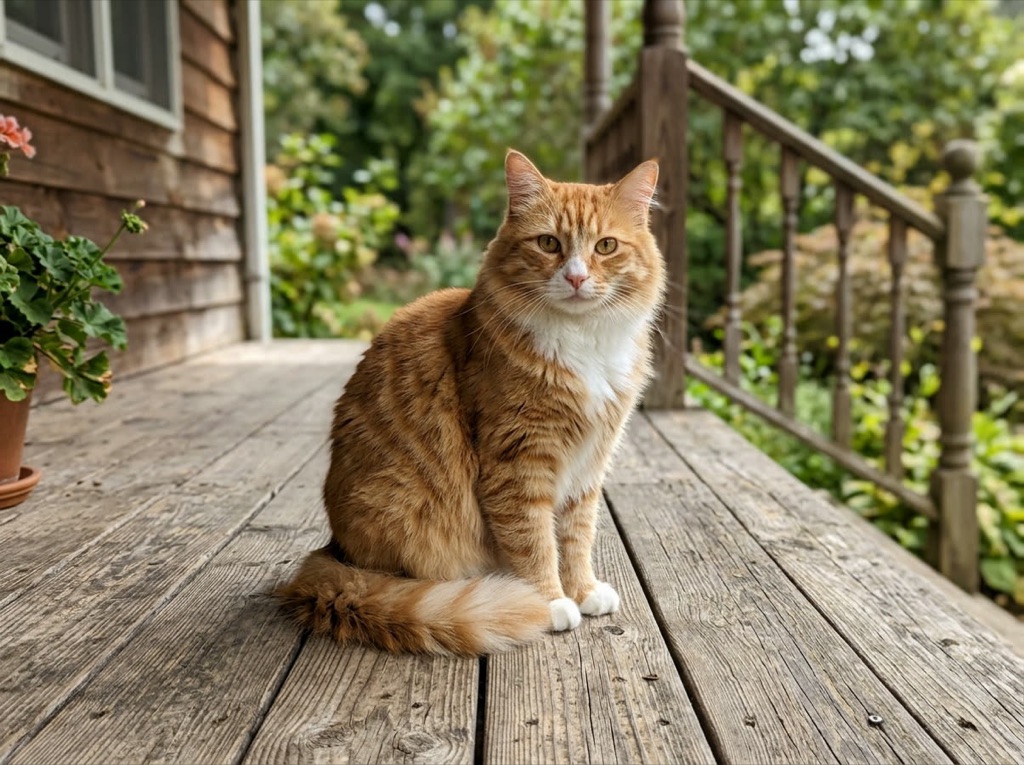
Upload one photo of you, you as a kid, or your pet. Pick 3, 4 or 5 slides. In about 3–4 minutes you get a carousel where each slide adds one more lie and the last is your real photo. Edit the captions, download, and post it as a TikTok photo carousel. It's $2.99 for 5 carousels.
What you need
One photo under 10 MB and a Google account to sign in. You don't need an editing app or a prompt. Every account gets one free low-res preview slide with a watermark, so you can check how your photo looks before you pay.
Step 1: Pick the right photo
Choose the least impressive photo you've got. A homemade costume in a living room beats a good costume. If it's an old print, shoot it straight on with your phone and avoid glare. Then add it here.
Step 2: Choose how many slides
Four slides is the default: three lies plus the real photo. Three is quicker to get through. Five gives you more to take away.
Step 3: Wait about 3–4 minutes
Each AI slide builds on the one before it, so it takes a few minutes. You can close the page. We email you when it's ready and it stays in My carousels.
Step 4: Edit the captions
Change any caption you like. Keep them short, one or two lines, so people read them on the swipe. Write them in your own voice. The default ones are only a starting point.
Step 5: Post it on TikTok
Download the slides, open TikTok, tap + and choose Photo. Pick them in order: the fanciest first and your real photo last. Add a sound you like, and turn on the platform's AI label.
Photos that work and photos that don't
| Use | Avoid |
|---|---|
| One person or one pet | Group shots |
| A clear face | A blurry face or one covered by hands or sunglasses |
| A plain room and a homemade costume | A photo that already looks polished |
| Your own photo, or an adult who agreed | Celebrities and public figures |
If it goes wrong
| What happened | What to do |
|---|---|
| A slide failed | The credit comes back automatically. Try again. |
| The face looks off | Try a sharper photo. If it still looks wrong, email us for a refund. |
| The slides came out in the wrong order on TikTok | Tap them in order when you pick them: fanciest first, real photo last. |
| You lost the page | Check My carousels, or the email we sent you. |